
Zero-infra setup
Create an empty folder, open Claude in that folder, and run setup. It builds the vault, asks for the business basics, seeds the first files, and gives the AI a place to remember the work.
- Empty folder
- Run /setup
- Plain markdown
The toolkit, free by request
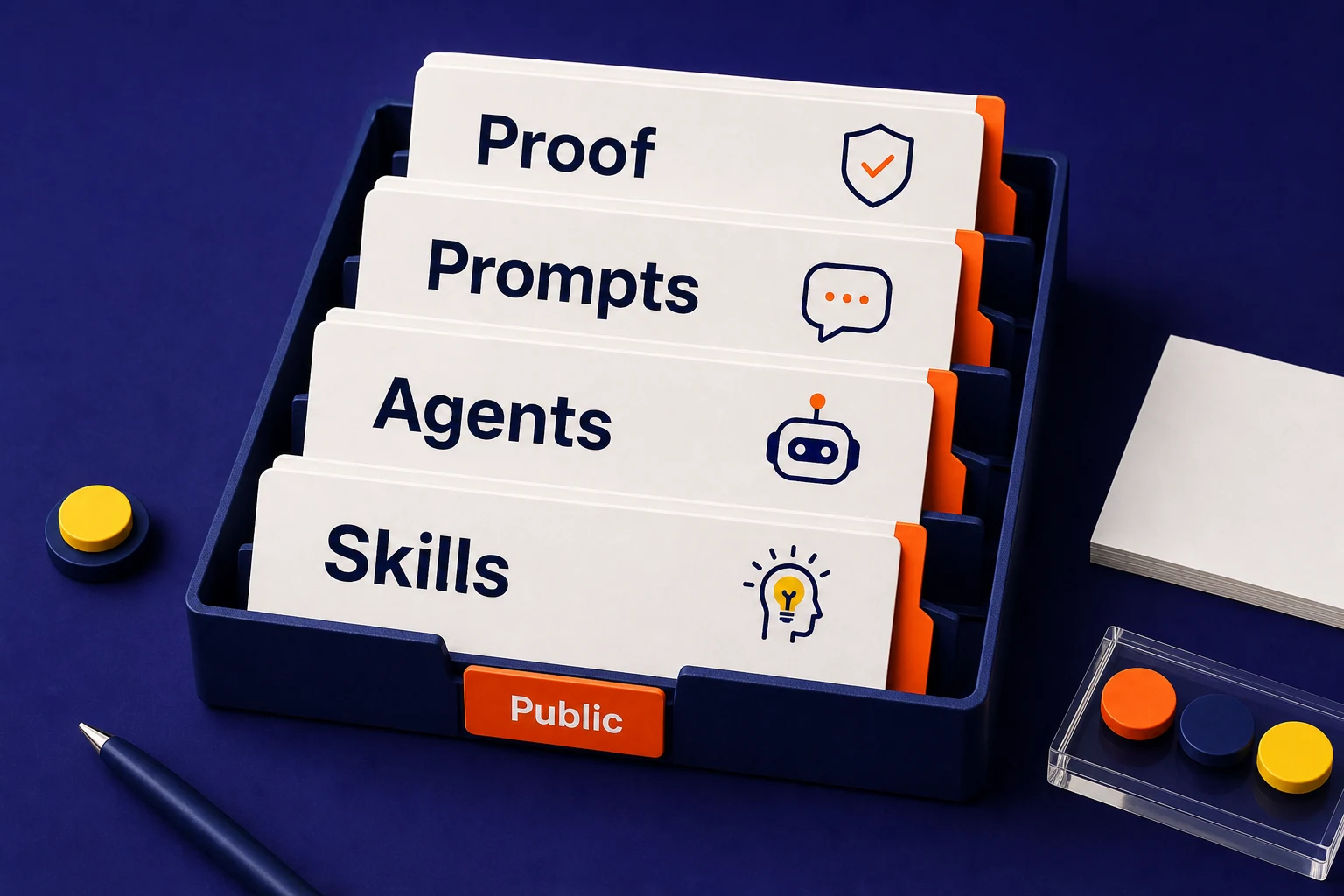
Conversion Skills is the toolkit behind how we work and what our Marketing and Operations builds run on. It gives Claude a governed business vault, durable memory, a daily run, 117 skills, and guardrails for owners, teams, and agencies. Free, by request.
Install
The repo is designed for people who want useful AI without buying another platform. The AI is the runtime, markdown files are the database, and git is the journal. It needs Claude Code (terminal, desktop app, or IDE), not the Claude Desktop chat app. Setup was timed once, on 2026-09-01: 1m39s of machine work producing 35 files, our own run on our own repo, not a client result.
Create an empty folder, open Claude in that folder, and run setup. It builds the vault, asks for the business basics, seeds the first files, and gives the AI a place to remember the work.
Once access is granted, install the plugin when you want the command library available inside Claude Code. The repo includes plugin metadata, marketplace copy, commands, and docs.
The vault stays in your folder. You can read it, edit it, commit it, move it, or delete it. No proprietary database is required for the basic operating model.
Vault
Conversion Skills is not just a pile of prompts. Setup creates a governed business folder with places for company context, memory, pipeline, projects, daily work, content, operations, library files, and inbox material.
The vault includes CLAUDE.md, system rules, company files, memory, pipeline, projects, content, operations, daily notes, library material, and an inbox for new context.
The append-only ledger captures date, metric, baseline, current value, target, source, confidence, and notes. Reviews can look back at what changed instead of guessing from memory.
The repo ships template files for AI agent briefs, automation briefs, brand voice, clients, competitors, daily notes, decisions, ICPs, invoices, meetings, offers, proposals, SOPs, tasks, and workflows.
Setup output
Setup does not pretend the AI already knows the business. It creates the places where company context, work history, files, and decisions can live before any agent starts making drafts.
Setup writes the root CLAUDE.md and _system folder so Claude knows where facts belong, how to handle budgets, and what needs human review.
The vault creates homes for company truth, durable memory, prospects, deals, projects, and the KPI ledger so repeat work has context to read from.
The operating folders capture daily notes, content drafts, SOPs, workflow files, library references, and loose context that still needs to be routed.
Modules
Seven modules are one skill each: setup, memory, the daily run, the optimizer, Team OS, Client OS, and the connector layer. The eighth, the workflow library, is the other 110 skills. Buyers and teams can see where the value comes from before they ask us to build around their business. The workflow library sits beside them with the delivery skills.
Setup creates the vault. Memory keeps durable business facts. The Operator module runs the daily rhythm, routes facts, drafts work, and flags decisions for a human.
Optimizer audits and proposes fixes. Team OS adds roles and shared knowledge. Client OS gives agencies firewalled client folders so one client task does not read another client folder.
The connector layer records optional tool access, budgets, scopes, and audit logs. The workflow library covers growth, content, sales, creative, design, build, and reporting work.
Templates
Templates keep the system from asking a blank-page AI to invent structure every time. They give common business artifacts a predictable shape.
AI agent briefs and automation briefs define the job, inputs, outputs, approvals, and constraints before a workflow becomes a build task.
Daily notes, weekly reviews, monthly reviews, decision logs, meeting summaries, SOPs, task briefs, and project briefs give the operator a consistent work trail.
Brand voice, ICP, offer, client profile, competitor, proposal, invoice, and KPI ledger templates keep sales and marketing work tied to real business context.
Skill families
The page should make the repo easier to understand than a raw file tree. These are the command families buyers can map to the work they already repeat.
Run the operating rhythm: setup, memory, daily briefs, meeting capture, pipeline updates, project updates, weekly reviews, business reviews, SOPs, and dashboards.
Audit and improve search work with SEO audits, schema, programmatic pages, comparisons, GEO optimization, content plans, technical SEO, sitemaps, image SEO, and publishing skills.
Plan, audit, budget, and draft paid media across Google, Meta, LinkedIn, TikTok, Microsoft, YouTube, creative, competitors, and landing page work.
Research, qualify, enrich, mine CRM context, review pipeline, inspect win-loss patterns, draft LinkedIn outreach, analyze reps, and prepare free-audit style discovery.
Turn ideas into useful assets with YouTube ideation, briefs, outlines, scripting, packaging, title generation, thumbnails, infographics, visuals, video, GIFs, and transcription.
Shape the systems around the work with MCP builder, agent builder, deep research, fact checking, humanizer, file organizer, n8n planning, course creator, and launch kits.
Orchestration
The repo documents an orchestration pattern for bigger audits. The main skill gathers the facts, specialist agents inspect their slice, and a judge cuts weak or uncited findings before the draft reaches a human.
Orchestrating skills collect the raw signals into the project folder first. Specialists then read only the slice they are assigned.
The main skill assembles the scorecard. The judge agent tries to refute each finding, and thin or uncited claims get removed.
The skills diagnose, draft, and recommend. A human applies changes, sends messages, publishes content, deletes files, or changes permissions. The same toolkit runs our Marketing and Operations builds.
Agent examples
The agent pages translate public skill patterns into buyer-friendly workflows: what each agent reads, prepares, writes, and leaves for human review.
Lead research, qualification, enrichment, pipeline review, draft follow-up, and sales analysis.
Content plans, SEO work, landing pages, ads, newsletters, social posts, and draft publishing packages.
Meeting capture, onboarding, delivery updates, health checks, proof requests, and case-study drafts.
KPI memory, weekly reviews, business reviews, dashboards, pipeline reads, and claim checks.
The Client Agent and the Report Agent as one agent: updates, recaps, health checks, and the weekly brief, all checked by a person.
Trust model
The repo is careful about tool access. It can run without connectors. When connectors are added, each one gets purpose, scope, rate limits, secrets handling, and audit logging.
Possible connectors include meetings, chat, email, calendar, CRM, analytics, WordPress, image data, and ad data. The default setup still works from pasted context, exports, and files.
The skills can draft emails, posts, reports, pages, automations, and plans. A human still approves sending, publishing, deleting, pricing changes, permission changes, and client contact.
Credentials do not live in the vault. Connector docs reference the secret manager name, and scripts scan for keys before the repo or a client workspace gets sloppy.
Profiles
The same library can serve one owner, a team, or an agency. The difference is how much permissioning, collaboration, and client separation the folder needs.
For one owner who wants Claude to remember the business, keep a pipeline, capture calls, draft follow-up, and keep the week pointed at the right work.
For teams that need shared company knowledge, people profiles, who can see which clients, permissions, access notes, and a clearer audit trail around what the AI touched.
For agencies that need firewalled client workspaces. Each client gets its own folder, one client is active at a time, and scripts check that client context does not leak across accounts.
Repo gates
This matters for trust. Conversion Skills is inspectable once you have access: docs, scripts, examples, six gates on every push, and a judged eval scorecard that records the failures as well as the passes.
Every push runs checks for clean-room language, instruction budgets, secrets, client firewall leaks, brand rules, and section structure, plus a check that each skill only promises outputs its own process writes.
Solo, Team, and Agency examples show the vault structure in practice, including system rules, permissions, memory, daily notes, company files, and KPI ledger examples.
Repo scripts check brand, budgets, client firewall boundaries, clean-room language, secrets, sections, skill sync, command docs, and the full verify run.
Buyer questions
Use this section when you need the short version before reading the repo. The detailed sections above show the actual folders, skill families, templates, gates, and agent patterns.
Conversion Skills is the Conversion System toolkit: 117 Claude skills that give Claude a governed business vault, durable memory, a daily run, audits, and a firewalled client workspace. It is free, by request, and it is what our Marketing and Operations builds run on.
It can help structure sales research, marketing drafts, client workspaces, meeting capture, weekly reviews, KPI memory, reports, SEO work, ad planning, content production, creative briefs, and agent or automation briefs.
No. Conversion Skills is the toolkit and the method. A custom AI system is still useful when the work needs live integrations, proprietary data, custom interfaces, or a workflow built around a specific team.
Request access (free, reader access usually lands the same day), then install the Claude Code plugin or open an empty folder in Claude Code and run setup. Setup creates the business vault, asks for company context, writes the operating folders, and gives the AI a place to read and remember work. It needs Claude Code, not the Claude Desktop chat app.
Next step
Access is free and by request. Leave your email and we send the quickstart, the command map, and the install path, and a person grants reader access to the repository, usually the same day.